If you travel alone and your phone supports eSIM, an eSIM is usually the easiest choice for Korea. Choose a physical SIM if your phone has no eSIM or you want a Korean phone number. Rent a pocket WiFi only if a group or family will really share one device.
Prices and plans change often. Treat the figures below as a guide and check the current price before you book.
Quick comparison
| eSIM | Physical SIM | Pocket WiFi | |
|---|---|---|---|
| How you get it | Buy online, scan a QR code | Airport roaming center, convenience store, or pre-order and collect | Reserve online, collect at an airport counter, return before you leave |
| Phone requirement | Unlocked phone with eSIM support | A phone with a SIM slot | Any WiFi device |
| Your home SIM | Can usually stay active alongside | Usually replaced unless your phone is dual-SIM | Stays in your phone |
| Extra hassle | Install it before the trip | Swapping cards, keeping your original SIM safe | Charging, carrying and returning a device |
| Best for | Solo travelers and couples | Older phones, longer stays | Families and groups |
eSIM: the simplest option for most visitors
VisitKorea explains that an eSIM is a digital SIM built into your device, so no physical card is needed. You buy one online and scan the QR code to set it up. You can do this at home on WiFi, so your data works when you land.
Check your phone first. An iPhone XS or newer, a Pixel 3 or newer, or a Galaxy S20 or newer generally works with a Korean eSIM. The traps are device origin (for example mainland China models) and carrier locks.
How to set up an eSIM
- Confirm your phone is unlocked and supports eSIM (on an iPhone, look for “Add eSIM” under Cellular settings).
- Buy a Korea plan from a carrier or a reseller. Compare data limits and whether the plan includes hotspot use.
- Connect to WiFi and scan the QR code you receive by email or in the app.
- Label the new line “Korea” so you can find it easily.
- When you land, turn on the Korea line for mobile data and turn on data roaming for that line if the seller tells you to.
Most eSIMs are data-only. If you need a Korean number for restaurant bookings or delivery apps, look for a plan that says it includes one, or buy a physical SIM instead.
Physical SIM: for older phones and Korean numbers
A physical SIM is the right call if your phone has no eSIM. VisitKorea says the roaming centers at Incheon, Gimpo, Gimhae and Jeju airports are run by Korean network providers. They sell prepaid USIM cards and hand over cards you ordered online.
You can also buy one in town. CU, GS25, 7-Eleven and Emart24 sell physical USIM cards, but stock varies by branch, so check before relying on it. Counter opening hours differ between terminals and sellers. Some are open around the clock and others close in the evening, so check your voucher or the carrier’s page before a late arrival.
Bring your passport, because airport counters ask for it. Keep your home SIM somewhere safe, since many banks send login codes to it.
Pocket WiFi: only when you are sharing
A pocket WiFi (“WiFi egg” in Korea) is a small battery-powered router. Everyone in your group connects their own phone, tablet or laptop to it. That makes it cost-effective for families and groups, but it is a poor fit for a solo traveler. You have to charge it, carry it and return it.
The airport carriers set clear rules. For example, LG U+ says that on-site rental requires your passport and a credit card in the same name as the passport. It also lets you return the device to any of its customer centers at Incheon, Gimpo or Gimhae airport, even if that isn’t where you collected it.
Check how many devices your router supports before you book, because limits differ by model. Also check the return hours, because you must hand the device back before you fly out.
What it costs (and who pays)
All prices here are what a visitor pays the carrier or reseller. They are not Korean resident rates. Prices differ between carriers, airport counters and online resellers, so treat these as indicative only.
- Carrier SIM or eSIM: KT and LG U+ list ₩6,500 for 1 day, ₩18,000 for 3 days and ₩27,500 for 5 days of LTE data. KT says the same prices apply to its visitor SIM and eSIM. KT and SK list about ₩71,500 for a 30-day physical SIM at the airport counter, and online resellers can be cheaper.
- Third-party eSIMs: Resellers sell many plan sizes, from small data packs to unlimited plans. Prices vary widely, so compare the data allowance, validity and speed limits, not just the headline price.
- Pocket WiFi: Rental typically runs ₩3,500–6,000 per day. A card deposit or authorization is usually taken and released or refunded when you return the device. LG U+, for example, authorizes only ₩1,111 on a credit card without charging it, while debit-card renters prepay a refundable deposit. Deposit amounts differ by provider, so check yours.
“Unlimited” plans often slow down after a daily high-speed allowance. Read that limit before you buy.
Which one should you choose?
- Solo traveler, eSIM-compatible phone: eSIM. It is set up before you fly and needs no counter.
- Older phone, or no eSIM support: physical SIM from an airport roaming center.
- Need a Korean number or a long stay: physical SIM or a plan that includes a number. Check what ID the seller requires.
- Family or group of three or more: one pocket WiFi, with a power bank to keep it charged.
- Phone locked to your home carrier: pocket WiFi, or ask your carrier to unlock the phone before you leave.
Whatever you pick, download offline maps and any translation language packs before you leave. They help if your connection drops in a basement or on a mountain trail.
FAQ
Can I pay the pocket WiFi deposit with a debit card?
It depends on the provider. LG U+ says a credit or debit card is required for the deposit at the airport counter. Some resellers say they accept credit cards only, so read your voucher. For more on card acceptance, see our guide to foreign credit cards in Korea.
Can I just buy a SIM at a convenience store?
Often yes, but stock varies. Buying at an airport roaming center is more reliable, especially for pre-ordered cards.
Can I use my phone as a hotspot with an eSIM?
It depends on the plan. Some plans block or limit tethering, and any hotspot use draws on your data allowance. Check this before you buy if you plan to connect a laptop.
Is it fine to rely on free WiFi?
Free WiFi helps you save data, but it is not a dependable way to navigate and translate all day. A mobile data plan is safer for first-time visitors.
Sources
- VisitKorea: Electricity & Communications
- LG U+ Korea SIM: Pocket Wi-Fi rental
- HelloRoam: Korea SIM card guide (carrier price summary)
- The South Korea Guide: Korea SIM Card and eSIM
- Kimchi Mobile: eSIM-compatible devices for Korea
- KT: User Guide Korea SIM / eSIM 2026.07
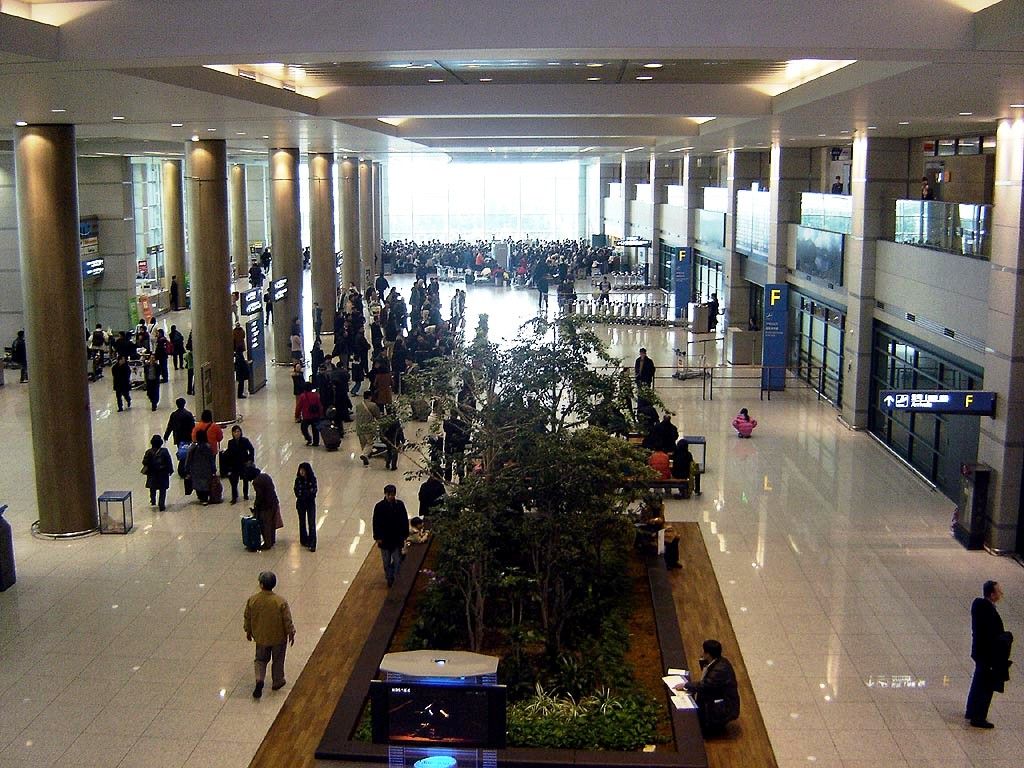
Featured photo: Original uploader was Siqbal at en.wikipedia . Later version(s) were uploaded by, Public domain, via Wikimedia Commons
